# Download SketchUp Make 2017: The Last Free Offline Version
Canonical: https://snipgeek.com/blog/download-sketchup-make-2017-free
Locale: en
Description: Looking for a free offline 3D modeling tool? SketchUp Make 2017 is still the gold standard for hobbyists and home DIYers. Here is why and how to get it.
Date: 2026-02-20
Updated:
Category: Apps
Tags: windows, sketchup, design, download
JSON: https://snipgeek.com/api/posts/download-sketchup-make-2017-free?locale=en
---
I've been using SketchUp for home renovation planning for a while now — from estimating material needs to visualizing room layouts. It's been genuinely helpful. But as I'm not a professional designer, paying for a Pro subscription always felt like a bit of an overkill.
After doing some research, I found that **SketchUp 2017 Make** is the last officially released version that is both free and works fully offline. This is exactly why it's still so highly sought after today — especially for personal or non-commercial projects.
## System Specifications
The good news is that this software isn't too demanding when it comes to specs. Even an older laptop should be able to run it without much of a struggle.
> The specs above don't include the requirements for additional rendering engines like V-Ray or Lumion.
The **Make** version is for **non-commercial** use only — such as hobbies, personal projects, or education. If you are using SketchUp for professional work that generates income, you are required to use the **Pro** license. SketchUp 2017 Make was the last free version before Trimble shifted to web-based and subscription models.
## First Impressions
When I first installed it, I was greeted by a 30-day trial notification — which made me a bit hesitant at first. Was it truly free, or just a trial period before I had to reach for my wallet?
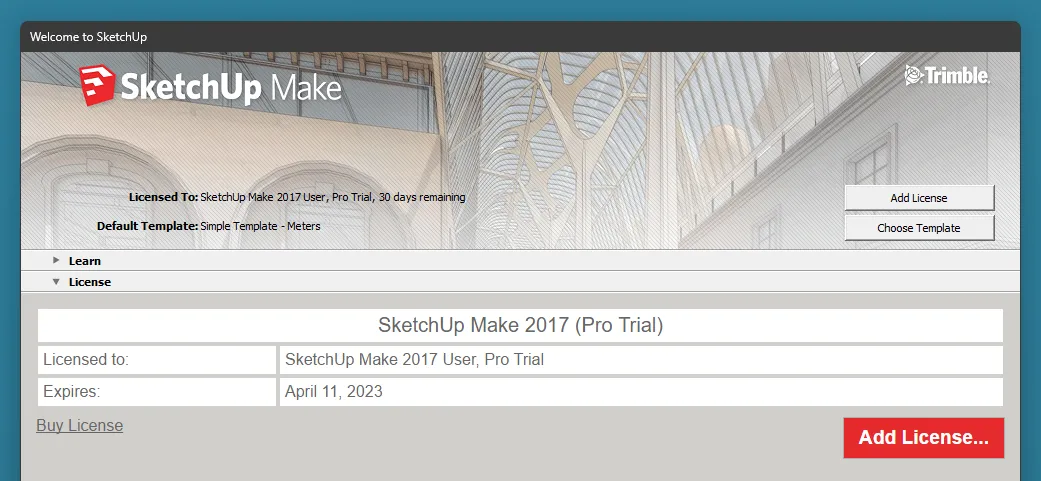
*The SketchUp Make 2017 trial screen — it looks just like the paid version, but there is a nice surprise after the 30 days are up.*
> **Update after 30 days:** Once the trial period ends, the application actually continues to work normally under the **SketchUp Make 2017 User** license. The functionality remains intact for non-commercial needs, so there is no need to worry.
## Download SketchUp Make 2017
You can download the installation file via the link below:
If you have any experiences or tips regarding **SketchUp Make 2017**, feel free to share them in the comments — I'll update this post if there is any new info that needs to be added.
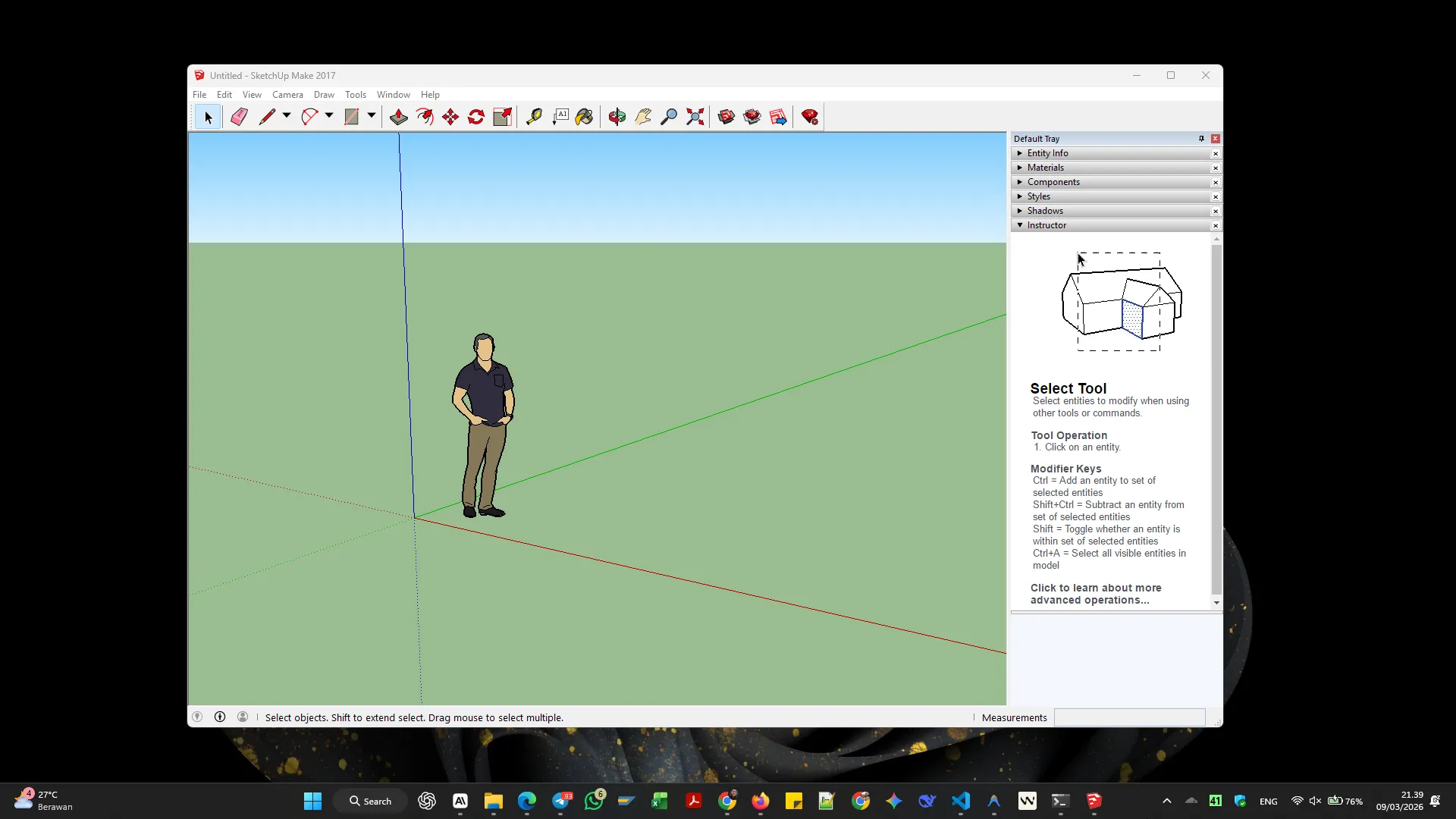
As an alternative without any installation, you can also try [SketchUp for Web](https://app.sketchup.com/app) directly from your browser. Hope this helps!