# Why Dual Boot Still Relevant in 2026? My Daily Experience
Canonical: https://snipgeek.com/blog/why-dual-boot-still-relevant
Locale: en
Description: A real-world perspective on running Windows 11 and Ubuntu side by side in 2026 — balancing office requirements with Linux productivity and battery savings.
Date: 2026-03-22
Updated:
Category: Productivity
Tags: dual-boot, windows-11, ubuntu, linux, productivity
JSON: https://snipgeek.com/api/posts/why-dual-boot-still-relevant?locale=en
---
Dual boot remains a practical solution for many professionals in 2026. For me, the combination of Windows 11 and Ubuntu isn't just a technical choice, but a real necessity that combines workplace demands with personal comfort.
This setup allows me to run Windows-specific applications during work hours, then switch to a lighter Linux environment for personal productivity. The result? The same laptop can serve two different worlds without significant compromise.
With dual boot setup, I can save up to 40% battery life when using Ubuntu for productivity, without losing access to Windows applications needed for office work.
## Heart in Linux, But Body Bound by Office System
I've always loved using Linux. It feels more free, secure, and technically satisfying. Even after trying it on my current laptop, performance is far more optimal when running on Linux.
There's no lag at all, hardware feels like it can breathe more freely, and most noticeably, the battery lasts much longer. This operating system is truly designed for maximum efficiency, evident from its cleaner memory and process management.
But the main problem lies with my office. My office uses SAP system that's only installed and runs in the Windows ecosystem. Most colleagues also use Windows. As someone tied to office operations, I can't force my OS idealism in the work environment.
90% of enterprise software is designed specifically for Windows. This is a reality that Linux enthusiasts working in conventional companies must accept.
## The Compatibility Curse: Printer and Microsoft Excel
The second reason I can't leave Windows is peripheral and daily software compatibility issues. At the office, I heavily rely on several printers set up through the local network.
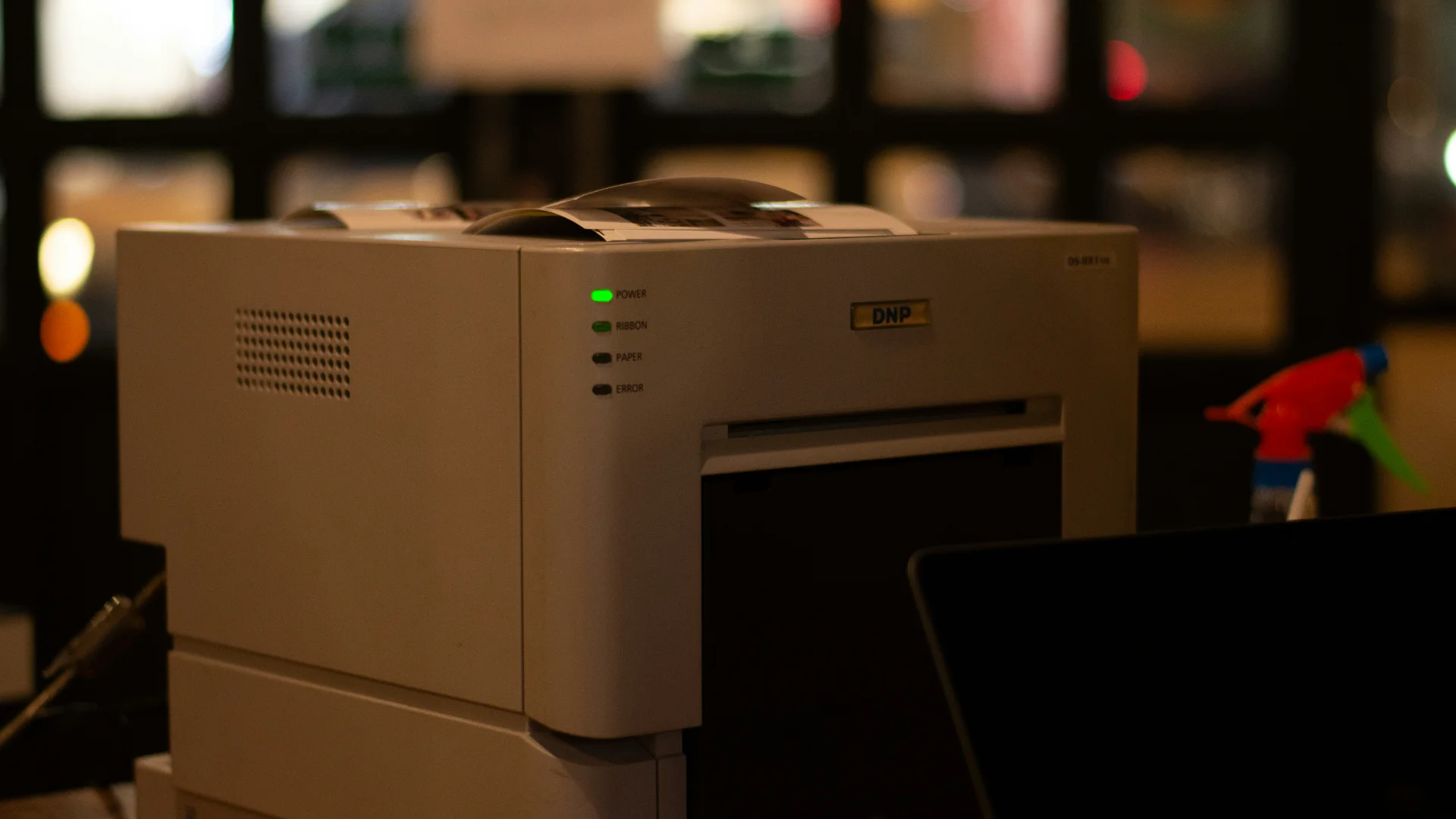
I've tried configuring them in Linux, but unfortunately, they're not very compatible and it's just a waste of time. Available drivers are often limited, and network printer configuration in Linux can become a nightmare if your model isn't natively supported.
Additionally, my daily operational life depends on Microsoft Excel. I've developed many daily templates in Excel for work. Some might say, *"Why not use LibreOffice instead?"* Believe me, I've tried it.
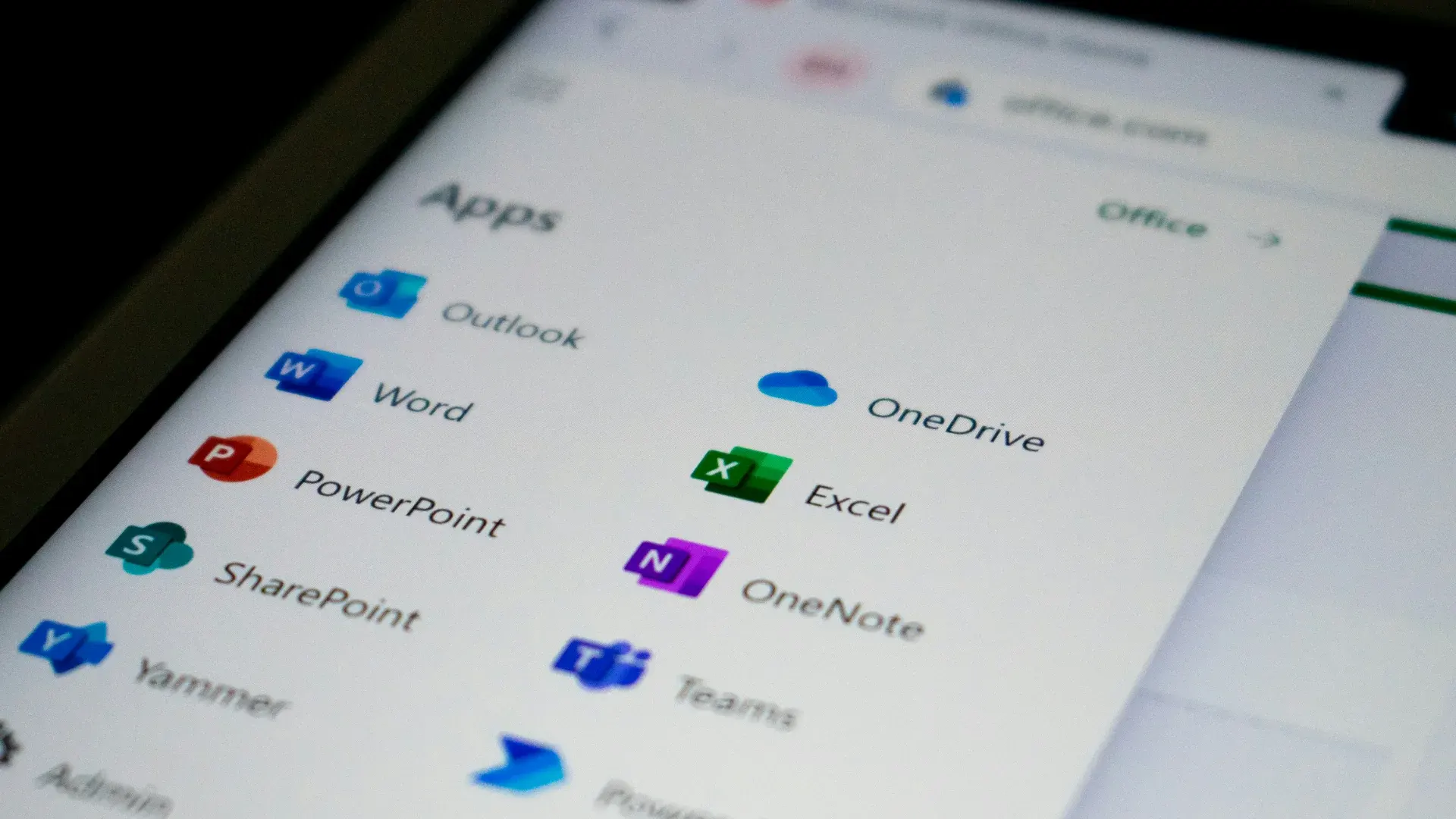
The problem is, when data from LibreOffice is sent to colleagues using MS Office, the format often gets messy or doesn't fit properly. Instead of being productive, work takes longer because I have to fix the layout. If only Microsoft released a native Excel version for Linux, I might have moved on 100% to Linux long ago.
## Task Division: When to Use Windows, When to Use Ubuntu?
Eventually, I made strict rules for myself to maximize both operating systems. These rules help avoid confusion and ensure each system is used for its respective strengths.
### Work Time = Windows
From opening SAP, printing documents on network printers, to processing Excel templates. Everything is done in Windows. This system becomes my production environment for tasks requiring full compatibility with the office ecosystem.
### Blogging & Learning Time = Ubuntu
Now, when office work is done and I want to focus on managing this website, writing articles, or just exploring and learning new things, I immediately switch to Ubuntu. Linux is truly dedicated as my personal creative space.
## The Windows 11 Dilemma: Heavy, But Must Stay Updated
One thing that's been bothering me lately is Windows 11 performance. Since upgrading, I feel my laptop specifications have become less smooth when running this OS. Very different from running Ubuntu which is smooth without any obstacles.
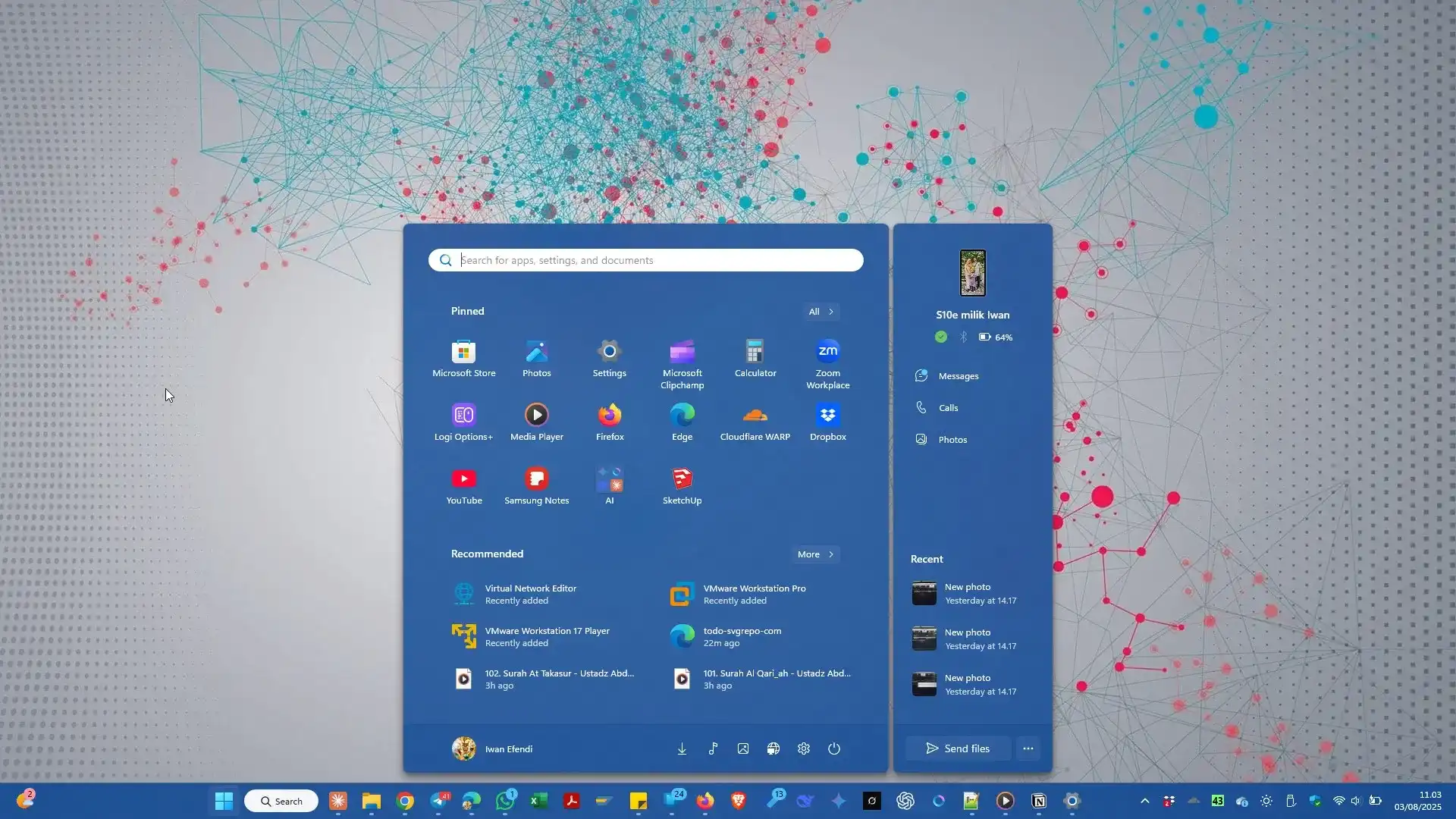
Despite the suboptimal performance, Windows 11 brings important new features that I need to follow. As a technology content creator, I must always stay updated with the latest developments to provide accurate information to readers.
Sometimes there's a great temptation to downgrade to Windows 10 just to make the laptop lighter again. But I always postpone that intention. Why? Because as a blogger, I also need to test features, troubleshoot, and find material for blog posts related to Windows 11.
If I downgrade, I'm afraid of missing out on the latest technology updates that could actually become good writing material for readers. This is a compromise I have to accept.
## Safe and Practical Dual Boot Setup
For those interested in trying dual boot, there are several important preparations to make. First, always backup important data to external storage or cloud. Second, make sure you have enough disk space for both operating systems.
BACKUP IS MANDATORY! Before modifying any partitions, ensure all important data is backed up. One wrong step could erase all your data!
- Ubuntu (root /): Minimum 25GB for base system
- Ubuntu (/home): Minimum 25GB for personal data
- Windows 11: Minimum 100GB (150GB recommended)
- Shared Data (NTFS): As needed, can be 100GB+
- Swap (Linux): Equal to RAM or 2x RAM if RAM <8GB
The installation process should be done in order: Windows first, then Linux. This is because the Linux bootloader (GRUB) is better at detecting other OS than vice versa. After installation, GRUB will provide OS options when booting.
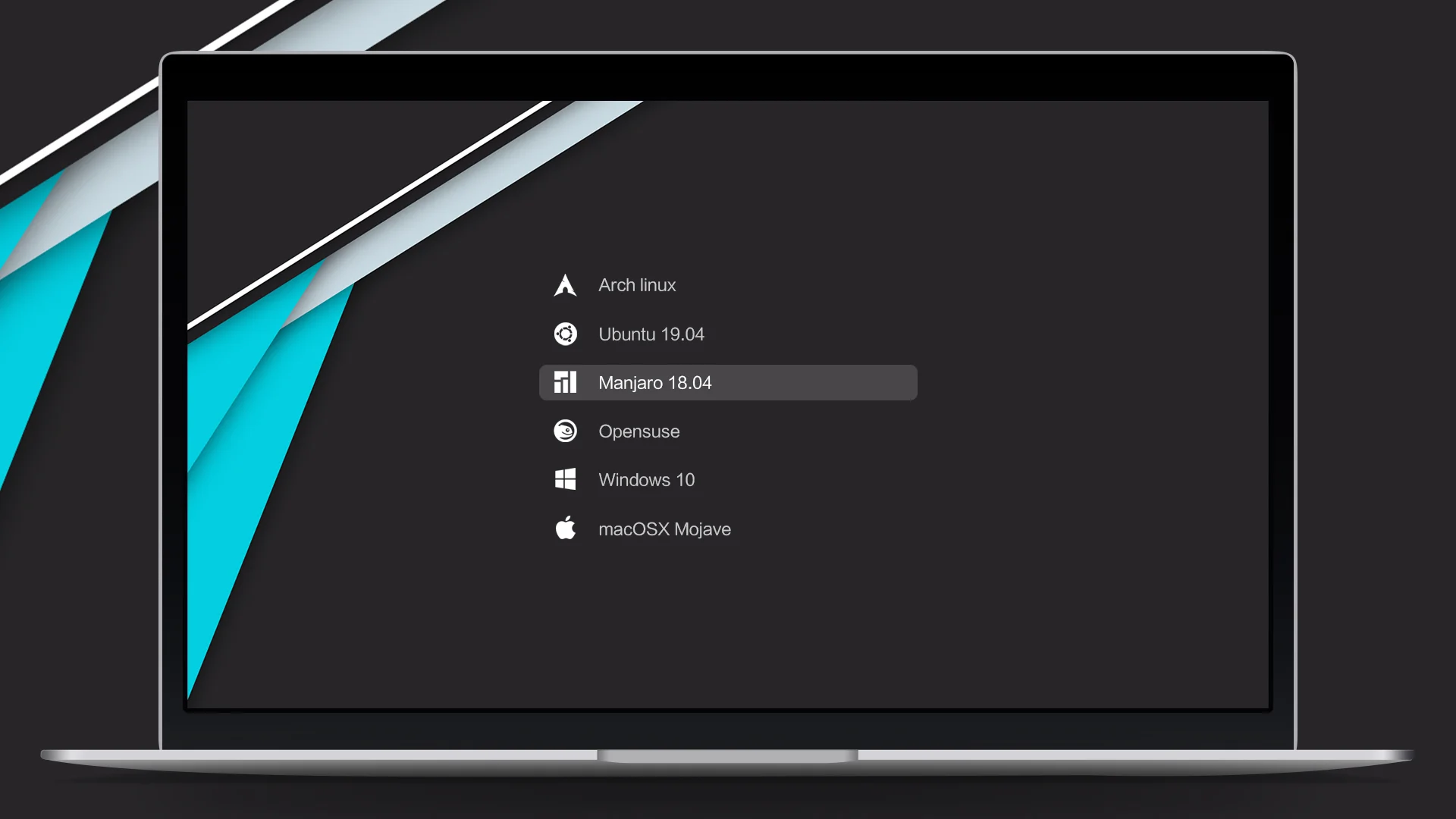
If GRUB disappears after installing Windows, don't panic! Boot with Live USB Ubuntu and run these commands:
sudo update-grub
sudo grub-install /dev/sda
Replace /dev/sda with your main SSD/HDD drive.
## Conclusion
Dual boot Ubuntu and Windows 11 is the best compromise I can make right now. Windows for making a living and office routines, while Ubuntu for maintaining sanity, blogging comfort, and my technology idealism.
This setup isn't without challenges, but its benefits far outweigh the complexities. I can get the best of both worlds: office software compatibility and the freedom of the open source ecosystem.
Dual boot isn't about "which is better", but about "which is right for specific needs". Sometimes the best answer is: both.
How about you? Are you in the same situation as part of the dual boot community because of office system constraints? Share your experience in the comments section!
If you're interested in setting up dual boot, also read our guide on [clean installing Windows 11](/posts/en/clean-install-windows-11-step-by-step-guide) or other [Ubuntu tutorials](/posts/en) here on SnipGeek.