Testing MiMoCode: A Terminal-Native AI Coding Assistant With Memory
Iwan Efendi3 min
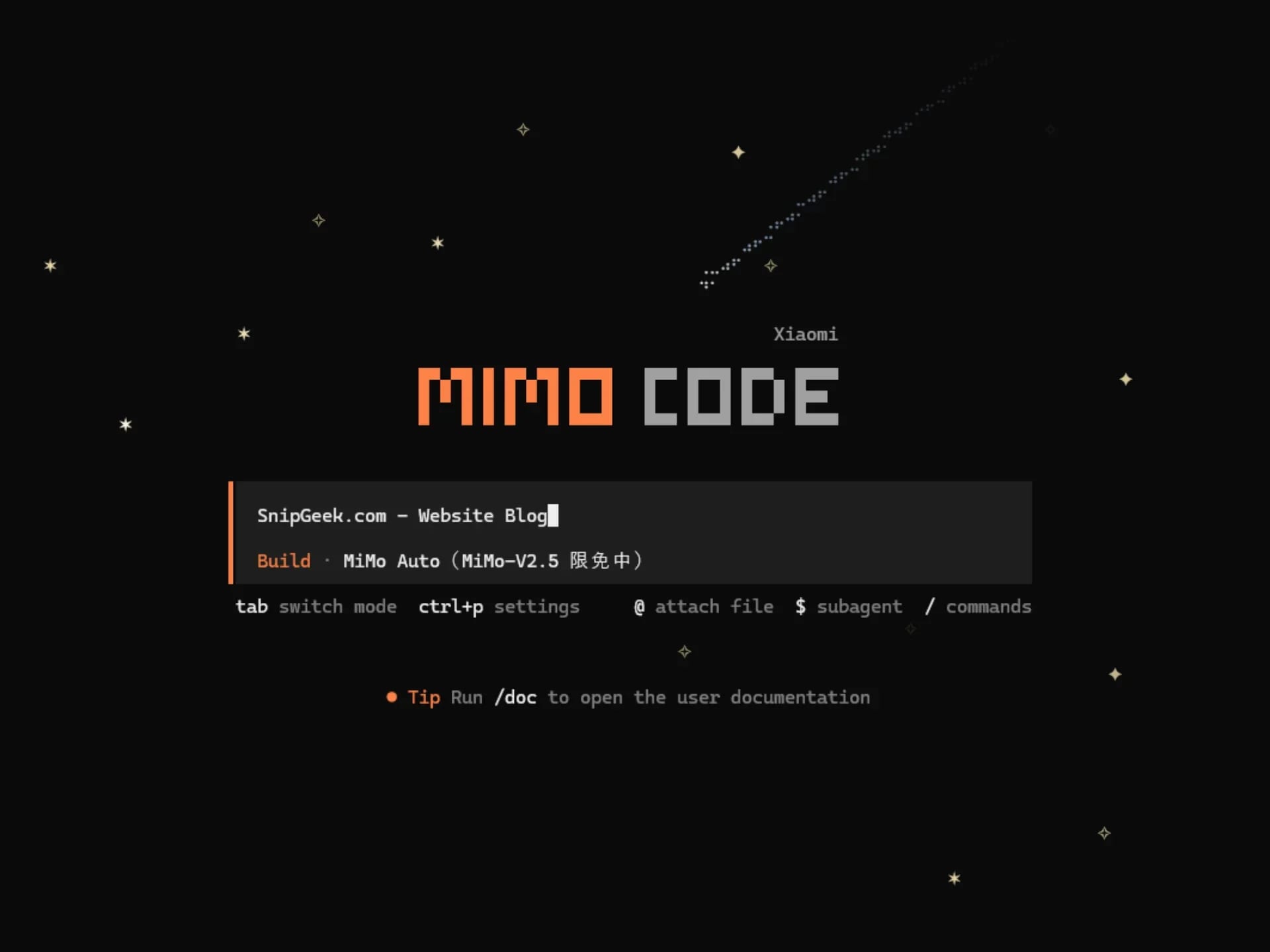
MiMoCode offers cross-session memory, a free-tier MiMo Auto channel, and modes like Plan and Compose to orchestrate long tasks effectively.
I was scrolling through Threads late last night when I stumbled upon a post mentioning a new AI model project. It caught my attention because it turned out to be a terminal-native coding assistant called MiMoCode — a fork of OpenCode that caught my eye. Since I'm always looking for efficient AI coding tools, especially ones that run directly in the terminal, I had to give it a spin.
If you're hunting for a coding assistant that remembers your project across sessions and handles long-horizon tasks, MiMoCode is an excellent open-source alternative. It features an SQLite-powered memory system, multiple agent modes (like Plan, Compose, and Build), and currently offers a free-for-a-limited-time "MiMo Auto" channel.

Real Persistent Memory
The biggest selling point here is the persistent memory. Unlike standard Chat interfaces where you have to constantly re-explain your project structure, MiMoCode maintains a persistentMEMORY.md file along with automatic session checkpoints. It saves these states seamlessly, so when you come back the next day, the agent doesn't need to relearn your architecture.
I genuinely didn't expect the memory to be this structured. It uses SQLite FTS5 for full-text search across project knowledge, temporary scratch notes, and task progress logs.
Exploring Plan and Compose Modes
While testing it out, I immediately noticed the built-in modes. You can easily switch between them by pressingTab.
- Build Mode: The default mode where the agent has full permissions to write code and execute commands.
- Plan Mode: A read-only analysis mode which is incredibly useful when I just want the AI to explore the codebase and design a solution without touching any files.
- Compose Mode: This orchestrates specs-driven development. It takes a spec and drives the full lifecycle from planning to execution, testing, and debugging.
Zoom
Screenshot: MiMoCode's command palette with session actions, voice controls, and the live context sidebar
I found the Compose mode particularly helpful when exploring how to plan out a long task. While its raw generation might not be as laser-detailed as Codex, the fact that you get this deep level of orchestration on a free tier makes it totally worth trying.
MiMoCode interface views from a real terminal workflow
SnipGeek's Take
This is definitely a tool you should try if you do a lot of terminal-based development. The setup is zero-configuration if you use the MiMo Auto channel, and the memory injection handles the heavy lifting of context management perfectly.References
If you decide to try it, let me know how it handles your specific workflow! I'm curious to see how the/dream and /distill features perform over a few weeks of heavy use.Topics
Topics in this article
Explore related topics and continue reading similar content.
Share this article
Discussion
Preparing the comments area...