Fix USB-C Port Reset Failed When Connecting a Portable Monitor
Iwan Efendi4 min

Solved USB_RESET_FAILURE connecting an MSI portable monitor via USB-C. The culprit was a faulty cable — here's the full diagnosis and fix.
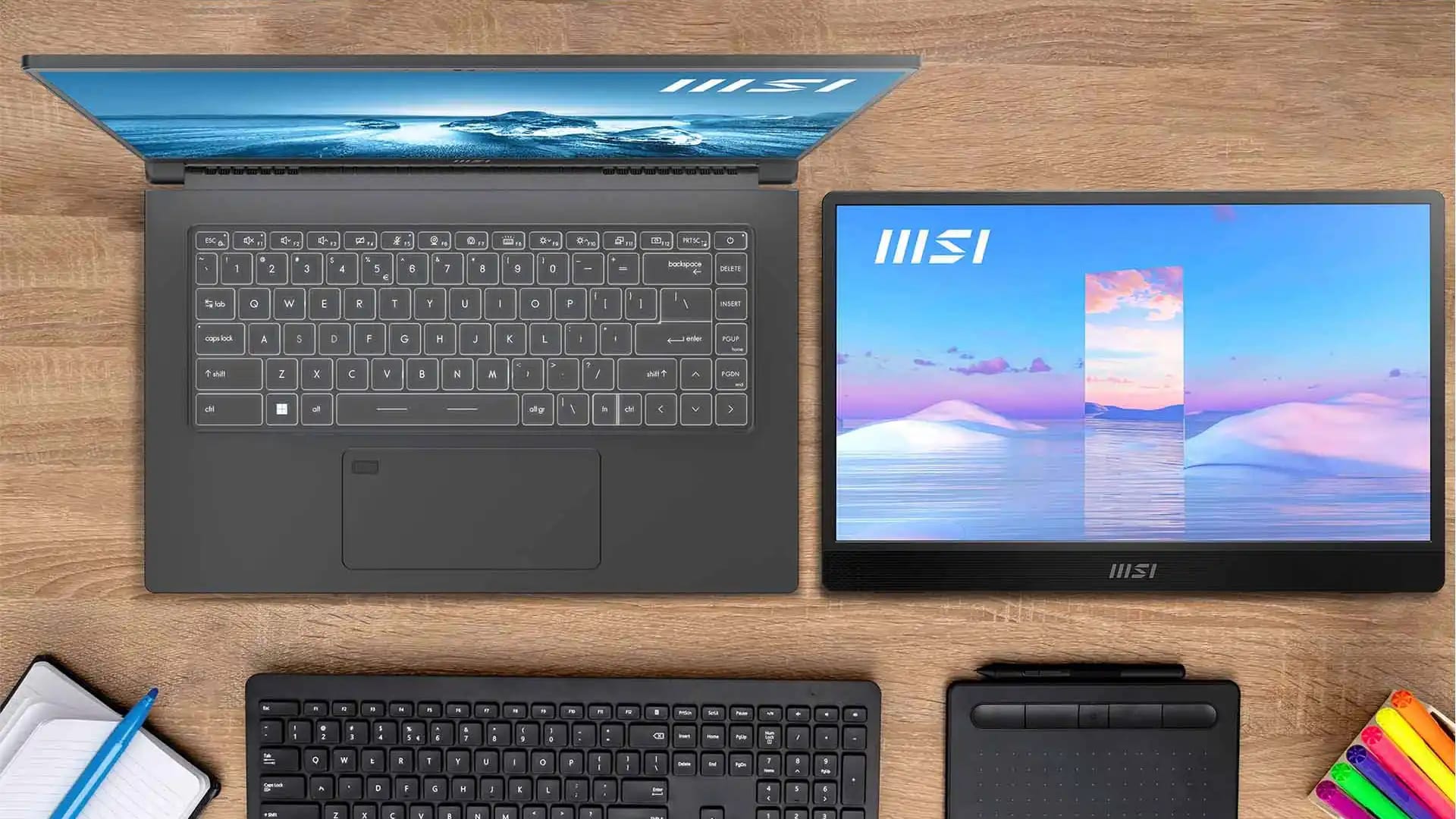
I plugged a single USB-C cable between my MSI Modern 14 laptop and a brand-new MSI PRO MP161 E2 portable monitor, expecting the screen to light up instantly. Instead, Windows hit me with "USB device not recognized" and an ominous
 With specs confirmed, I ran a simple swap test. The results were immediate and unambiguous:
 A cable meeting these specs typically costs between $10–$20. Brands like Anker, Ugreen, and Cable Matters are generally reliable. If the cable listing mentions "USB 2.0 only" or "charging cable", skip it — those won't carry video.
 A
A
USB_RESET_FAILURE in Device Manager. After an hour of uninstalling drivers, switching ports, and questioning my hardware choices, I discovered the real culprit wasn't the laptop or the monitor — it was the cable that came in the box.
If you're staring at the same "Unknown USB Device (Port Reset Failed)" popup right now, the short answer is: try a different USB-C cable before you do anything else. That single swap fixed everything for me.
Why the USB-C Cable Matters More Than You Think
Zoom
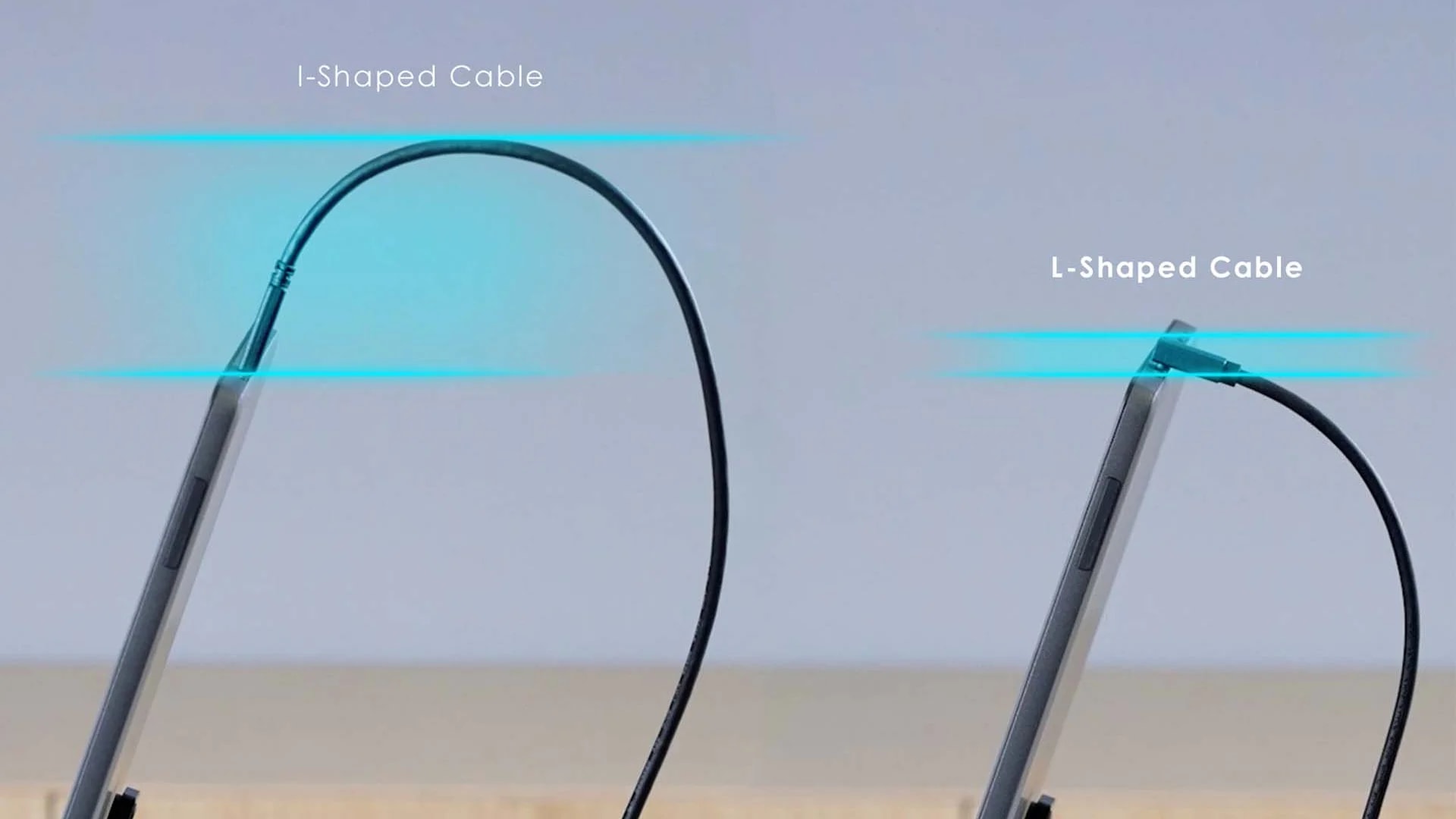
The included USB-C cable — looks perfectly fine, but turned out to be the problem.
Portable monitors like the MSI PRO MP161 E2 push a single USB-C connection to do two jobs at once: deliver power (Power Delivery) and transmit video (DisplayPort Alt Mode). That's a lot to ask from one cable.
Inside modern USB-C cables, a tiny chip called an E-Marker negotiates power and data modes between your laptop and the monitor. If even one internal wire is damaged or the E-Marker can't complete its handshake, the whole negotiation breaks down. Windows doesn't get a valid response, retries several times, then gives up with the USB_RESET_FAILURE error code.
The frustrating part is that the cable looks fine. No visible damage, no bent connector — it just silently fails at the protocol level.
Understanding What Your Devices Need
Zoom
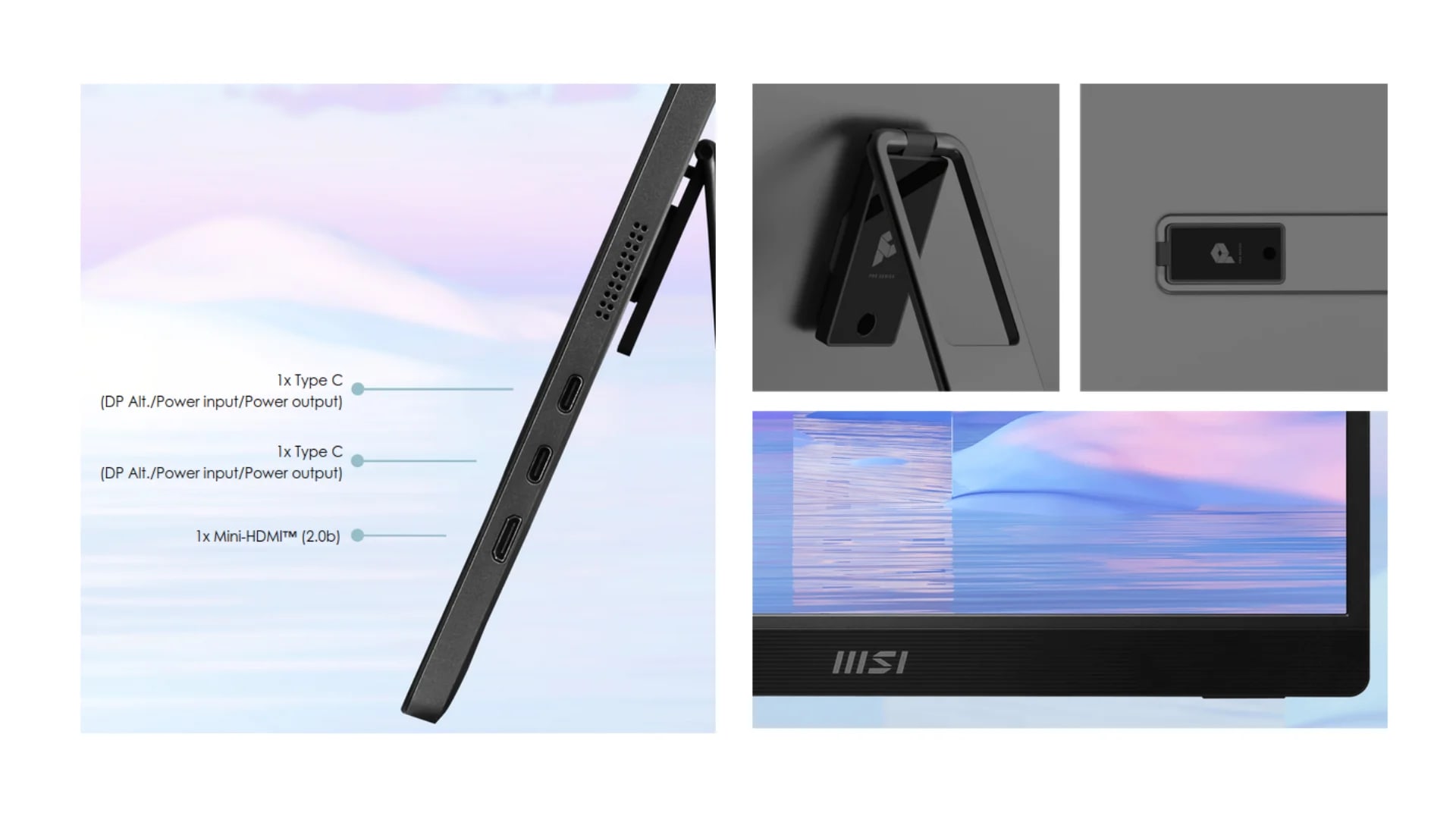
MSI PRO MP161 E2 specs — two USB-C ports with DP Alt Mode and 15W PD requirement.
To diagnose properly, I had to confirm that both devices were actually compatible on paper before blaming the cable.
Monitor: MSI PRO MP161 E2
| Spec | Detail |
|---|---|
| Panel | 15.6" IPS, FHD 1920×1080 |
| Video Input | 2× USB-C (DP Alt Mode + PD 15W), 1× mini-HDMI |
| Power Draw | Up to 15W via USB-C Power Delivery |
Laptop: MSI Modern 14 B11MOU
My laptop has a single USB-C 3.2 Gen2 port that supports:- DisplayPort Alt Mode — can send video output
- Power Output — 5V/3A (15W) when connected to the AC charger
Can You Use a Regular USB-A Port Instead?
No. A standard USB-A port only outputs about 4.5W (5V/0.9A) — far below the 15W this monitor needs. Forcing it through USB-A risks under-powering the display and could strain your laptop's USB controller over time.
Diagnosing the Faulty Cable
Zoom
- MSI-included USB-C cable →
USB_RESET_FAILURE, monitor stays dark - My own USB-C cable → Monitor powers on instantly, video and power working perfectly
Quick Swap Test
If you're troubleshooting this error, borrow any USB-C cable from a phone charger or another device and try it. Even if that cable doesn't support video, it tells you whether the port itself is working. If Windows recognizes something, your original cable is almost certainly the problem.
The Fix: Replace the Cable
Zoom
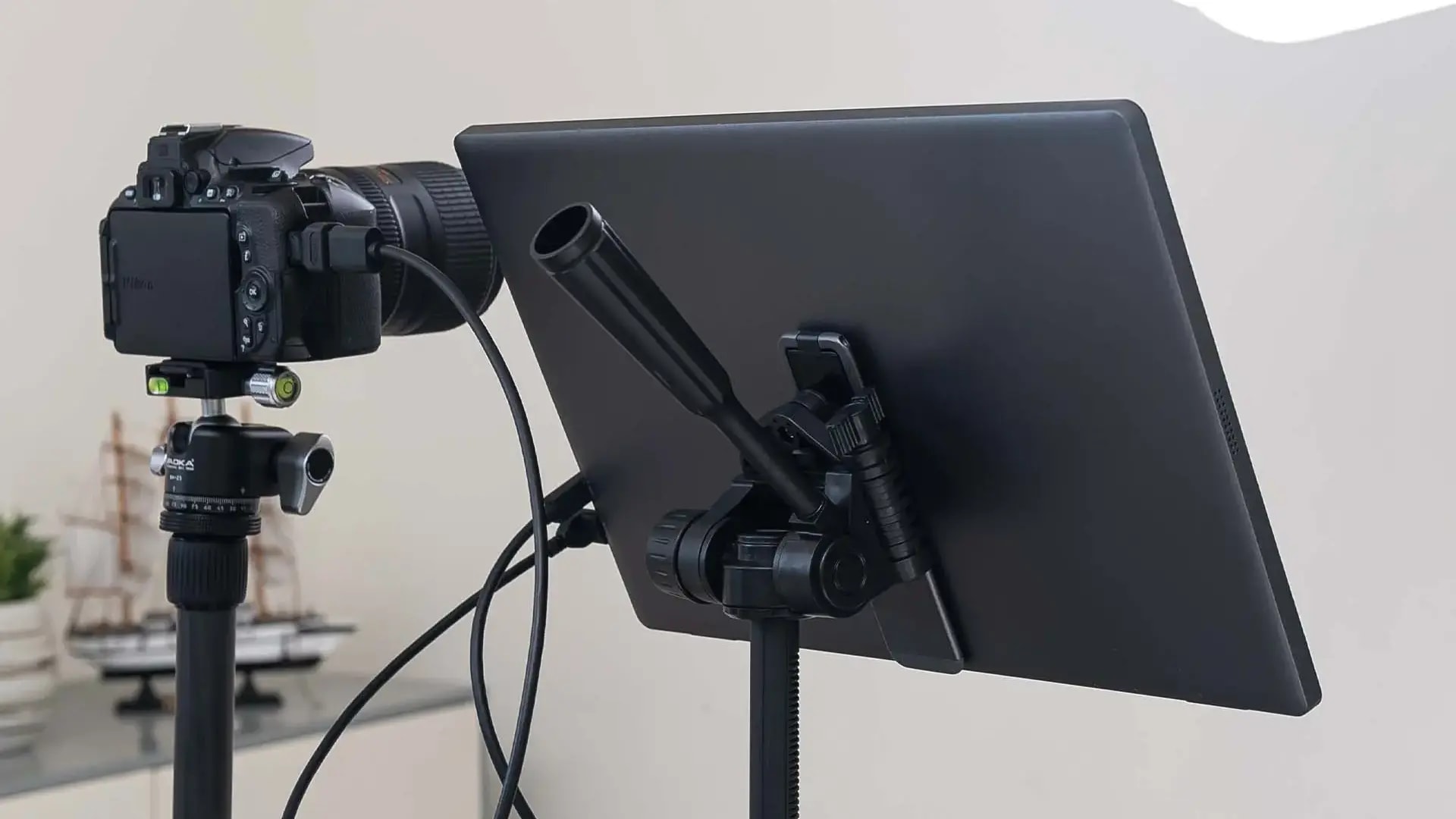
Working perfectly after swapping to a proper USB-C cable.
The solution is refreshingly simple: use a different cable. You don't need an expensive one — just make sure it meets three requirements:
1
Supports Power Delivery (PD)
Look for at least 60W PD rating. Higher is better and ensures headroom for future devices.
2
Has an E-Marker chip
This is non-negotiable for any cable carrying both power and data. Most cables rated for 60W+ PD will include one.
3
Explicitly supports video or DisplayPort Alt Mode
Not all USB-C cables carry video signals. Check the product listing for "DP Alt Mode", "video output", or "Thunderbolt compatible".
Wrapping Up
Zoom
USB_RESET_FAILURE error when connecting a portable monitor almost always points to the cable, not the monitor or laptop. I learned this the hard way — after reinstalling drivers, running troubleshooters, and nearly opening a support ticket with MSI before trying the one thing that actually mattered.
If you've just bought a portable monitor and hit this error on the first connection, swap the cable before you do anything else. It saved me from a return process and a lot of unnecessary frustration.
For anyone setting up a new Windows workstation alongside a portable monitor, my post-install checklist for Windows 11 covers driver updates and display settings that help smooth things out. And if you're considering a hardware upgrade to support multi-monitor workflows, the 20GB to 32GB RAM analysis is worth a read.
Have a different USB-C issue with your portable monitor? Drop a comment — I'm curious what cables and setups are working for other people.Topics
Topics in this article
Explore related topics and continue reading similar content.
Share this article
Discussion
Preparing the comments area...